Expense Cards
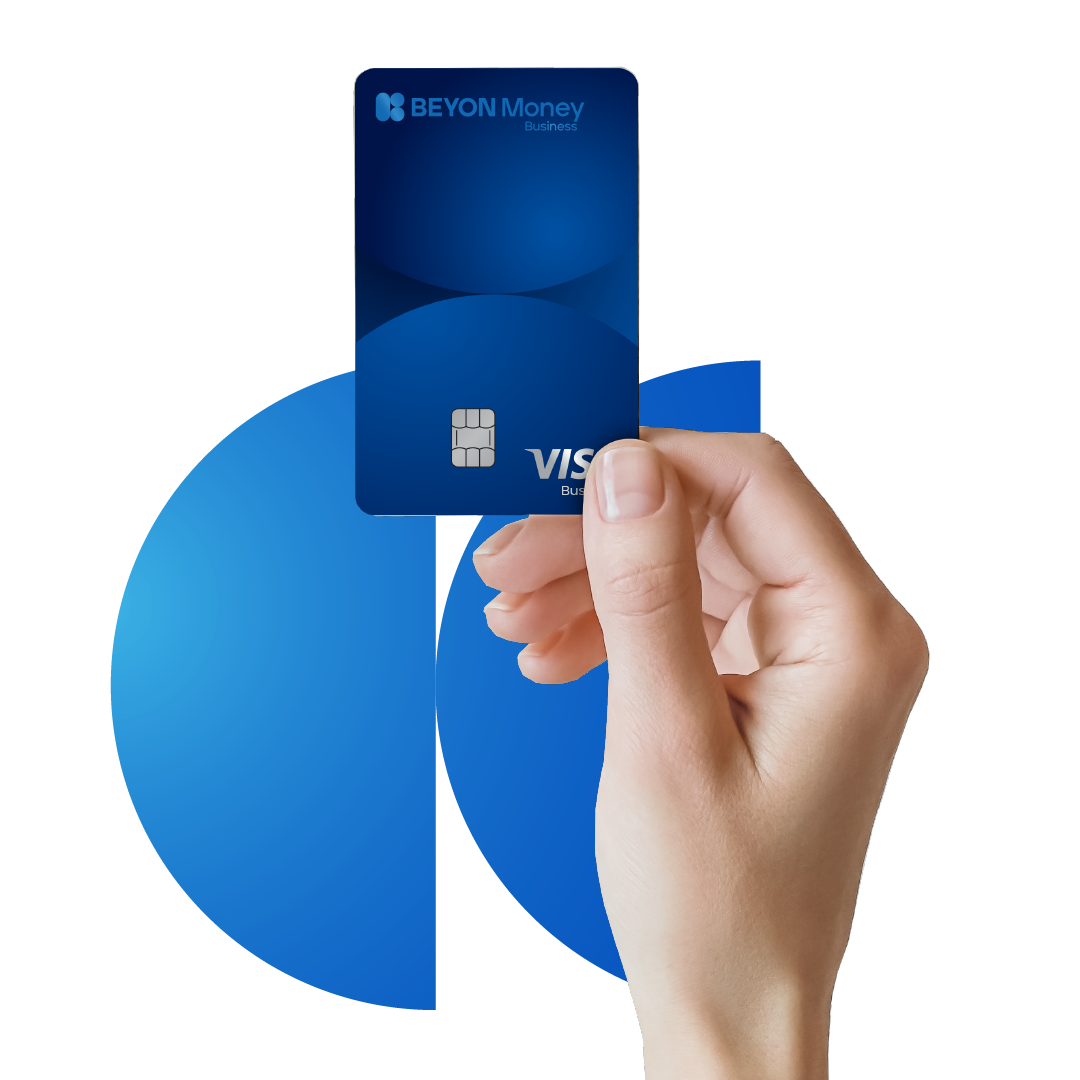
Issue virtual and physical debit cards with set limits
Enable faster purchasing and expense submission by giving every employee access to the funds they need in a safe and secure manner.

Issue unlimited digital or physical cards

Receive real-time payment notifications

Instantly freeze, unfreeze, or block your card at anytime

View and change your card PIN

Enable and disable card controls

Make online payments

Use contactless payments

Enable international payments

Withdraw cash from ATMs in Bahrain and internationally

Access real-time reporting
| Cashback | % | Minimum Monthly Spend Threshold | Maximum Cashback |
|---|---|---|---|
| Government (EWA, SIO,LMRA, etc.) | 0.25% | BHD 100 | Unlimited |
| Non-Government (Rent, supplier payment, etc.) | 0.5% | BHD 400 |
Category:
Expense Card
| Cashback | % | Minimum Monthly Spend Threshold | Maximum Cashback |
| Government (EWA, SIO, LMRA, etc.) | 0.25% | BHD 100 | Unlimited |
| Non-Government (Rent, supplier payment, etc.) | 0.50% | BHD 400 |
Category:
Expense Card
Physical and virtual cards
Category:
Expense Card
Virtual cards work the same as physical cards and can be used at any merchant website where Visa is accepted.
Category:
Expense Card
The employees
Category:
Expense Card
By adding a physical card, clicking on the below steps on the portal:
Cards > Add Card > Physical Card
Category:
Expense Card
The card can be topped up by the admin at any time.
Category:
Expense Card
The limits on cards start from BHD 2,500
Category:
Expense Card
No charges applied.
Category:
Expense Card
Yes, BHD 5.500
Category:
Expense Card
You can cancel your card in app or admin dashboard and request for a new one