Payroll Made Simple.
Run WPS-compliant payroll in minutes, directly from your Beyon Money Business dashboard.

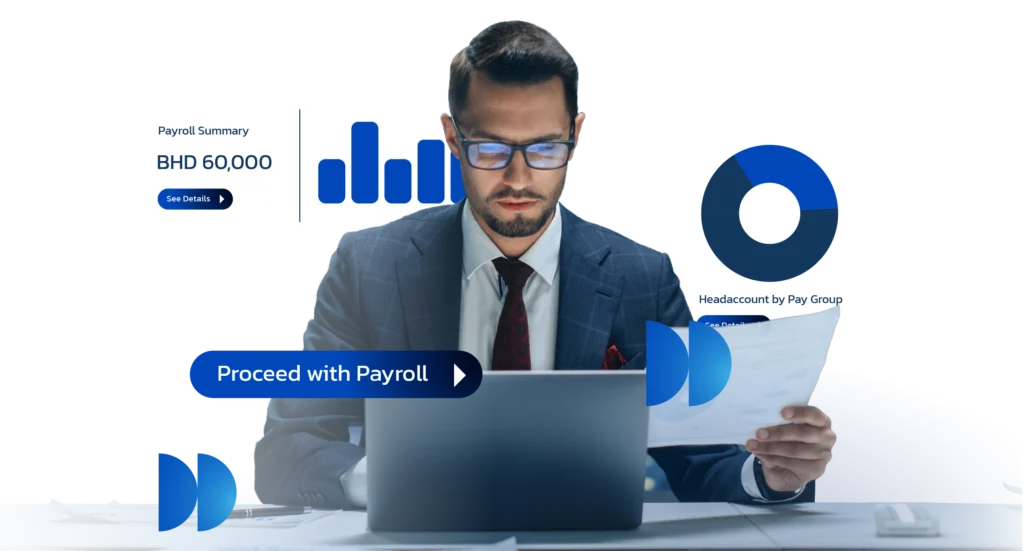
What is Payroll on Beyon Money Business?
Payroll on Beyon Money Business is a dedicated feature that helps companies process employee salaries quickly, securely, and in compliance with Bahrain’s regulations.
With Payroll, you can:
- Process salaries in bulk or individually
- Edit salaries, allowances, and deductions anytime
- Schedule salary transfers in advance
- Provide instant payslips, reports, and transaction
- Fund salaries instantly through your Flexi wallet
Payroll on Beyon Money Business is fully integrated with the Wages Protection System (WPS), ensuring that every payment meets LMRA requirements.
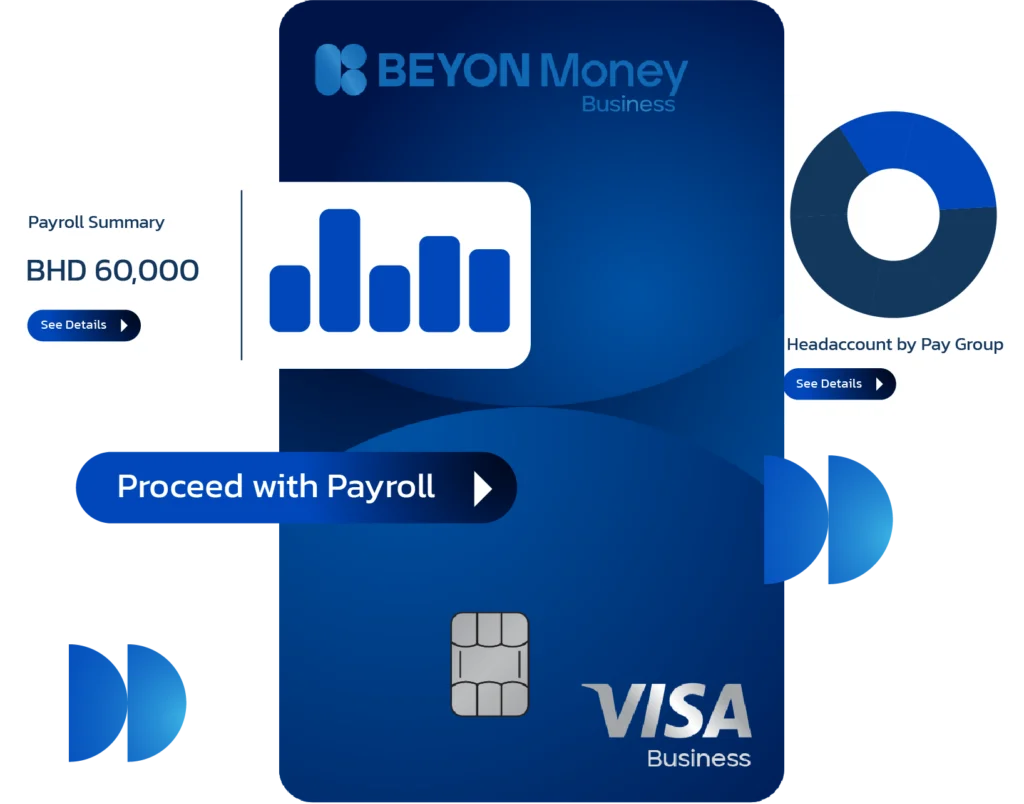

Why Payroll on Beyon Money Business?
With Payroll on Beyon Money Business, you get:
- Free registration and no setup costs
- Process payroll in bulk or individually
- Edit salaries, allowances, and deductions anytime
- Schedule salary transfers in advance
- Instant payslips, reports, and full transaction history
- Fully synced with LMRA WPS requirements
- Instant funding via your Flexi wallet
How It Works
- Fund your Flexi Invest wallet
- Upload bulk payroll using the Excel template, or process individual payments
- Customize pay details like salaries, allowances, and deductions
- Submit payrollInstant funding via your Flexi wallet


Save
Time

Stay
Compliant

Gain
Flexibility

Increase
Control

Boost
Efficiency
Simplify payroll and stay compliant with the Wages Protection System (WPS).
LMRA registration is mandatory for enabling Payroll and WPS services in Bahrain.
You must complete company registration in the Labour Market Regulatory Authority Expat Management System (EMS).
Steps:
– Click on “Proceed to LMRA (EMS) Portal” from the dashboard
– Complete company registration in LMRA
– Return to the dashboard and confirm completion
No. For security and regulatory reasons, all registrations must be completed directly in LMRA EMS. Our dashboard only guides you to the official portal.
This usually means employees are not registered or linked under your Commercial Registration (CR) in LMRA.
Steps:
– Click on “Proceed to LMRA (EMS) Portal”
– Log in using your authorized credentials (eKey)
– Register or link employees under your CR
– Return to the dashboard and confirm completion
Please review the registration date in the LMRA EMS portal and then confirm it in Payroll Settings.
You may optionally upload an LMRA-issued document (such as a registration certificate or EMS summary) after completing the required action in LMRA.
The WPS (Wages Protection System) feature helps you process employee salaries seamlessly. It’s available for corporates using Flexi Invest as their default wallet.
Yes, payroll is fully synced with the LMRA Wages Protection System for compliance and ease of reporting.
No, registration is completely free.
Yes, a small processing fee of 0.050 fils per employee/month applies.